
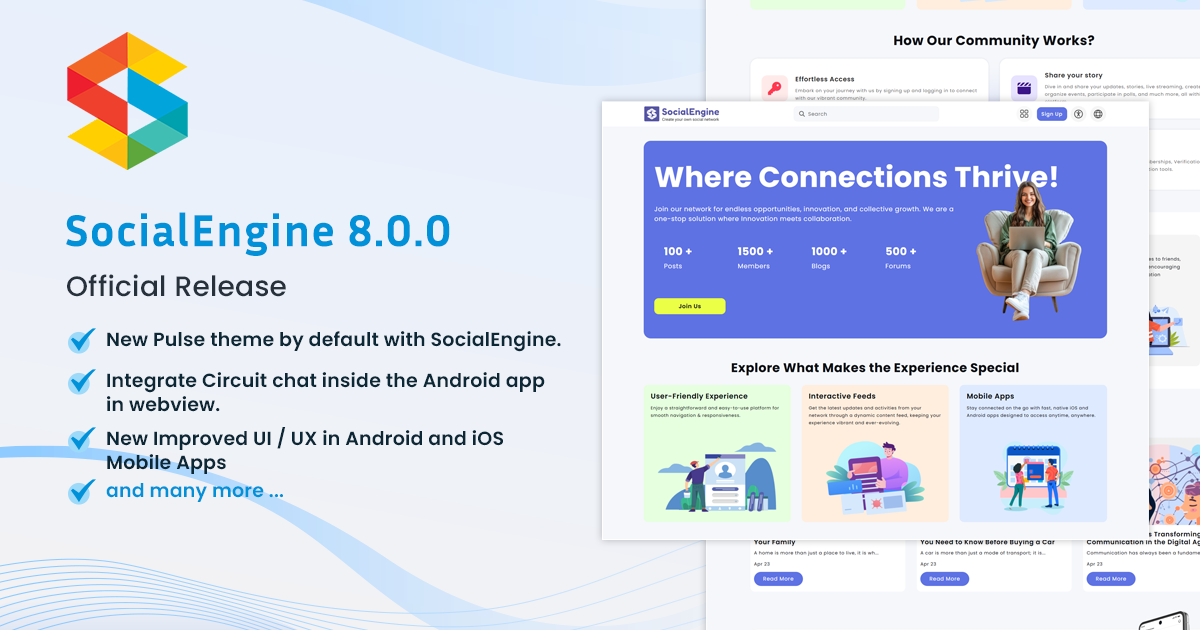
We are thrilled to announce the release of SocialEngine PHP 8.0.0! This major update includes new features, key improvements, and essential fixes to enhance your social networking platform.
We truly appreciate your support and are happy to finally bring you this long-awaited release.
Explore the latest version now and improve your social network software experience with SocialEngine!🌟
🚀 Whether you’re planning to launch a new platform or upgrade your current one, this is the perfect time to save BIG!
We are glad to announce a Flat 20% discount on all products till 24th May 2026.
Coupon Code: SEV8_20
Visit SocialEngine now and upgrade your online community builder with our new version!
Demo: https://demo.socialengine.com
Admin Demo: https://demo.socialengine.com/admin
Demo Login Details: test1@socialengine.com / SEDemo123!
New Feature:
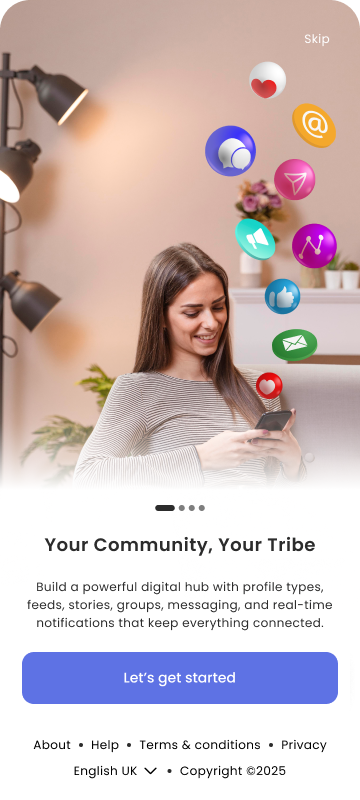
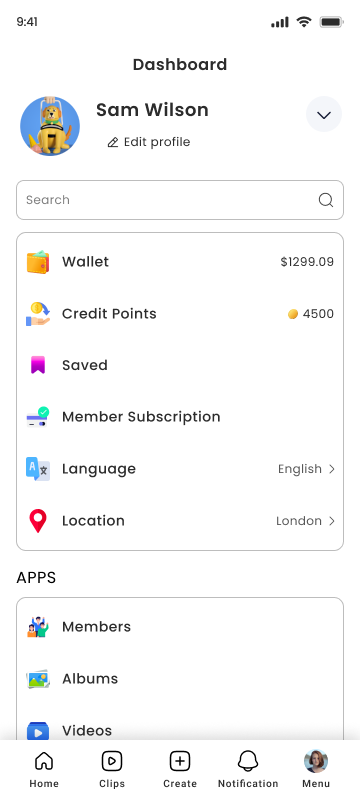
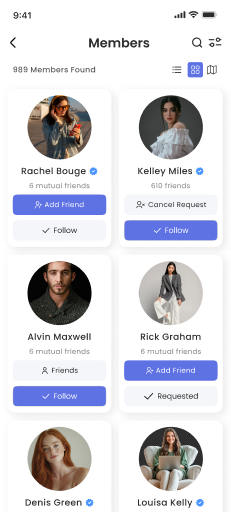
- New – Improved UI / UX in Android and iOS Mobile Apps
- NEW – New Pulse theme by default with SocialEngine.
- NEW – Integrate Circuit chat inside the Android app in webview.
Improvements:
- Improved – When we post links from the post then we will fetch the links with ssl only.
- Improved – Themes in the theme editor section will only come when the associated module is installed and enabled.
- Improved – Removed the Online member option from the search on the members page. Also, removed from the admin panel.
- Improved – Refresh edit member profile page when users make any changes.
- Improved – Changes in the Cryptocurrency payment gateway plugin.
- Improved – Important Security Update: Improved Data Protection in Member Search.
- Improved – Android app compatibility with page size of 16 KB (16 KB devices) requirement.
- Improved – iOS mobile app compatibility with the latest iOS 26 version.
Bugs Fixed:
- Fixed – Activity post is not showing to other users.
- Fixed – Header logo is not getting saved in the email template setting.
- Fixed – Categories are not showing in the correct order.
- Fixed – Poke image is getting broken on changing the title.
- Fixed – Description is showing wrong on the Poll, Group, and Events profile photo upload popup.
- Fixed – Main Menu in Harmony theme does not support the submenus created from the admin panel.
- Fixed – Month and Year is not showing correctly in the events calendar on the create page.
- Fixed – Special character issue in password field during sign up.
- Fixed – When I open the site in mobile browser and try to like the comment and click on the like button then reactions show for some time and then hides.
- Fixed – Feed pinboard UI issue in the activity feed.
- Fixed – Save reposition button is not working on the Group, Events, and Polls cover photo section.
- Fixed – Emoji is not showing in the forum posts.
- Fixed – Banner image is not getting deleted from the folder.
- Fixed – Broken SEO Links fixed.
- Fixed – When we enter a widget title in small letters then still the title’s 1st letter is showing in capital letter.
- Fixed – Email and CSV buttons are not working on the manage invites page.
- Fixed – Resend verification link tip is not showing automatically after the sign up.
- Fixed – I have posted a text status and after commenting on that feed status, my feed is not coming on the member home page.
A complete changelog is available for more details about the changes and fixes implemented in this 8.0.0 release. Please view our demo and explore 8.0.0!
Clients with Annual Upgrade Access can download version 8.0.0 from our client dashboard. To purchase the upgrade access Click here.
As always, we highly encourage all users to do a complete backup of both files and the database before performing an upgrade. Please have the backup performed by your host or a developer if you’re not comfortable performing it yourself.
Fresh installs should follow our installation tutorial, or you can order an installation, and our team will get it installed in no time.
To upgrade from a previous version to 8.0.0, please view our upgrade documentation, but if you want our experts to perform an upgrade on your site, then you can purchase our required Upgrade Service.
Important: There are special steps and patches for those upgrading from versions below v6. You will need to follow the special steps in the upgrading documents linked here before upgrading and applying the patches mentioned.
SocialEngine Cloud clients, please submit a ticket for an upgrade so we can schedule it.
If you find any issues with this release, please let us know by filing a bug report in our Bug Tracker.
With Great Appreciation,
The SocialEngine Team