
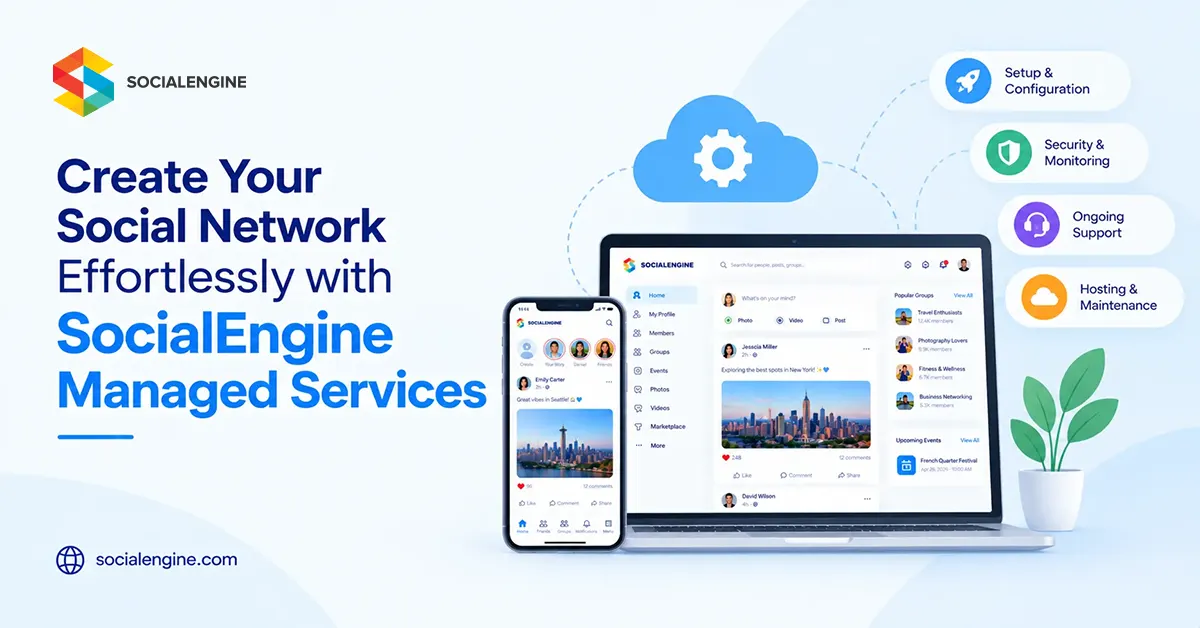
Build Your Community, Not Your Infrastructure
Building a social network sounds exciting until the technical work starts piling up. Hosting, updates, security, backups, performance, plugins, and day-to-day maintenance can quickly become a second project of their own.
That is where a managed approach can make a real difference. Instead of spending your time looking after the infrastructure, you can put more energy into the part that matters most: creating a community people actually want to use.
What Are SocialEngine Managed Services?
SocialEngine Managed Services are designed for organizations that want to run a SocialEngine-powered community without taking on all of the server and maintenance responsibilities themselves.
The managed model is particularly useful when you have a clear community idea but do not want your team spending its time handling server administration, routine updates, backups, and infrastructure-related tasks.
Let the Technical Work Take a Back Seat
Think about what your team actually needs to work on. You probably care about attracting members, publishing useful content, starting conversations, organizing events, improving engagement, and eventually creating a sustainable revenue model.
Those are community-building jobs. They are very different from configuring servers or worrying about whether routine platform updates have been applied.
SocialEngine Cloud currently highlights managed updates, backups, support, and access to official plugins as part of its cloud service.
You Still Control the Community Experience
Managed does not have to mean generic. SocialEngine provides tools for customizing the look, structure, permissions, content, and member experience. Its current feature set includes member profiles, activity feeds, posts, comments, likes, messaging, groups, notifications, member levels, privacy controls, moderation, content management, marketing tools, and monetization features.
What Can You Build with SocialEngine?
A Professional Network
Create a focused environment where professionals can build profiles, connect with peers, join groups, exchange ideas, and discover relevant content.
A Membership Community
Offer different levels of access, private areas, subscriptions, member-only content, and community discussions.
A Creator Community
Give creators a branded home for their audience with profiles, content publishing, discussions, messaging, and monetization.
A Customer or Brand Community
Bring customers into a dedicated space where they can ask questions, share experiences, discover content, and interact with your brand.
A Niche Social Network
Build around a profession, hobby, location, industry, or shared interest instead of trying to appeal to everyone.
Why Managed Hosting Can Make Life Easier
A community website is not a set-it-and-forget-it project. As membership and activity increase, infrastructure management can become more demanding.
SocialEngine Cloud currently highlights off-site backups, multiple data-center locations, managed updates, support, and official plugins. SocialEngine also says customers can monetize sites through options such as advertising and subscriptions without a commission being taken from those earnings.
The Features Members Actually Notice
Your members rarely care which server configuration you selected. They care whether the site works well.
- Can I create and customize my profile?
- Can I find people with similar interests?
- Can I join a relevant group?
- Can I message another member easily?
- Can I discover useful posts and content?
- Can I participate comfortably from my phone?
- Can I trust the community with my information?
Mobile Matters Too
People do not interact with online communities only from desktop computers. SocialEngine supports responsive experiences and also offers branded mobile apps for communities that want a dedicated mobile presence.
Managed vs. Self-Hosted: Which Approach Fits?
| Consideration | Managed / Cloud | Self-Hosted |
| Infrastructure | Provider-managed | You manage your hosting environment |
| Updates | Managed by the service | You handle or arrange updates |
| Server control | Less direct control | Greater control |
| Technical workload | Lower infrastructure workload | Higher infrastructure responsibility |
| Customization | Community and platform customization available | Greater control over hosting and source code |
SocialEngine describes Cloud as the option for people who do not want to set up their own server, while Self-Hosted is intended for those who prefer to host their community on their own server.
How to Launch Without Getting Buried in Technical Work
- Define the audience – Decide exactly who the community is for and why they should join.
- Choose the community model – Decide whether it will be free, membership-based, professional, creator-focused, customer-focused, or niche.
- Set up the foundation – Configure your domain, branding, navigation, member levels, privacy settings, and essential content.
- Choose the features that matter – Start with profiles, feeds, groups, messaging, content, events, or monetization according to your audience.
- Prepare the first conversations – Add useful posts, welcome content, groups, and resources before inviting people in.
- Launch to a focused group – Start with people who have a genuine reason to participate rather than chasing registration numbers.
- Measure and improve – Watch what members use and refine the experience based on actual behavior.
You Do Not Need to Launch Everything on Day One
One common mistake is trying to make a new community look like a mature social network from the beginning.
You may have access to groups, events, blogs, forums, video, classifieds, business listings, polls, and other extensions. That does not mean every section needs to be visible on launch day.
Start with the few experiences that support your community’s main purpose. As members become more active, you will have better evidence about which additional features are worth introducing.
A Managed Social Network Can Also Be a Business
A community can become a membership product, customer community, professional network, creator business, or niche platform. SocialEngine provides functionality for membership plans, subscriptions, payment gateways, advertising, and transaction tracking.
Content Can Help Your Community Grow
A social network needs activity, but not every useful interaction has to be a short status update. Long-form content can give your community something worth discovering through search and sharing.
SocialEngine’s Blogs Plugin supports member-created blog posts, privacy controls, photos and videos, categories, and tags.
Who Should Consider SocialEngine Managed Services?
- Businesses that want a branded customer or member community
- Entrepreneurs launching a niche social network
- Creators building a dedicated audience community
- Associations and membership organizations
- Professional networks
- Organizations that do not want to manage their own server infrastructure
- Teams that want to focus more on community growth than technical maintenance
Questions to Ask Before Choosing a Managed Community Platform
- What parts of hosting and maintenance are handled for me?
- How are backups managed?
- How are platform updates handled?
- What customization options are available?
- Can I add plugins as my needs change?
- Can I monetize memberships or subscriptions?
- Can I move to a self-hosted setup later if requirements change?
- What support is included?
The Bigger Advantage: More Time for Your Members
The real appeal of managed services is not that you never have to think about technology. It is that technology takes up less of your attention.
That gives you more room to welcome new members, create useful content, encourage conversations, organize events, listen to feedback, and improve the experience.
If your goal is to create a branded social network without turning infrastructure management into a full-time job, SocialEngine Managed Services can give you a practical starting point.
Frequently Asked Questions
They are a managed approach to running a SocialEngine community where infrastructure-related responsibilities such as hosting, updates, and backups are handled as part of the service.
SocialEngine provides visual administration and customization tools, so many common community setup tasks do not require coding. Advanced customization may still require technical expertise.
Yes. SocialEngine provides features for memberships, subscriptions, advertising, payments, and other monetization options.
Yes. SocialEngine provides design, layout, navigation, member-level, privacy, content, and plugin-management options.
No. Cloud is designed for organizations that do not want to manage their own server, while self-hosted gives you more direct control over the hosting environment.