
Building a thriving online community goes way beyond dropping a discussion forum onto a website and hoping people chat.
Today, you need a single place where everything actually clicks together where your members, content, events, messaging, and courses live under one roof, fully tied into your brand and revenue.
Finding the right home for all of that isn’t easy, though.
- Course Platforms: Great for learning material, but often fall flat on real social interaction.
- Workplace & Chat Apps: Built for real-time messaging, but quickly turn into noisy, disorganized clutter.
- Social & Creator Networks: Offer strong engagement, but force you to trade off your branding and data ownership.
Then there are platforms built for total control giving you full freedom over how your community looks, runs, and grows.
Which specific platform are you leaning toward right now, or what’s the main feature your community can’t live without?
In this guide, we’ve compared 10 of the best community platforms in 2026 based on:
- Community-building features
- Customization
- Branding
- Member management
- Engagement
- Content management
- Monetization
- Events
- Messaging
- Mobile experience
- Integrations
- Scalability
- Ownership and control
#1 pick for 2026: SocialEngine particularly for businesses, organizations, creators, entrepreneurs, and enterprises that want to build a branded community they can customize and control.
What Is a Community Platform?
A community platform is software that provides a dedicated online environment where people can connect, communicate, share content, participate in discussions, attend events, and interact around a common interest, organization, product, or goal.
Unlike a basic website, a community platform typically includes functionality such as:
- Member profiles
- Activity feeds
- Groups
- Discussions
- Messaging
- Notifications
- Events
- Media sharing
- Content publishing
- Memberships
- Payments
- Moderation
- Analytics
- Mobile access
The best platform depends on what you are trying to build.
A creator selling courses may prioritize learning and memberships. A professional association may need profiles, groups, events, and directories. A business may need customer support and product discussions.
A social network or large membership community may need all of these capabilities together.
Community Platform vs. Social Media: What’s the Difference?
Social media platforms are designed for broad audiences and algorithm-driven content discovery.
A dedicated community platform gives you much more control over the environment where your members interact.
| Social Media | Community Platform |
| Broad public audience | Defined community |
| Platform-controlled experience | More control over experience |
| Limited branding | Custom branding |
| Algorithm-driven distribution | Community-focused content |
| Platform-owned environment | Greater ownership/control depending on platform |
| Limited customization | Customizable structure |
| Advertising-focused | Can support memberships and monetization |
| One-size-fits-many | Built around specific audiences |
This distinction matters if your community is an important part of your business or organization.
If you’re interested in moving beyond social media, our guide on How to Build an Online Community Platform from Scratch provides a useful starting point.
What Should You Look for in a Community Platform?
Before comparing platforms, establish what your community actually needs.
The most important factors include:
1. Member Management
Can you create profiles, member levels, permissions, verification, and privacy settings?
2. Community Engagement
Does the platform support posts, comments, reactions, discussions, groups, messaging, and notifications?
3. Customization
Can you customize your branding, layouts, navigation, pages, and member experience?
4. Content
Can members and administrators publish blogs, photos, videos, discussions, courses, or other content?
5. Monetization
Can you charge for memberships, subscriptions, courses, content, events, or other community experiences?
6. Events
Can you organize online and offline events and allow members to participate?
7. Mobile
Can members access the community easily from smartphones, and can you provide a branded mobile app experience?
8. Ownership & Control
Who controls your community’s data, branding, content, infrastructure, and long-term experience?
9. Scalability
Can the platform grow with your community?
10. Integrations & Extensibility
Can you connect the platform to other tools or extend its capabilities with plugins, APIs, and custom development?
The 10 Best Community Platforms in 2026
| Rank | Platform | Best For |
| 1 | SocialEngine | Fully customizable branded communities |
| 2 | Circle | Creators and community-led businesses |
| 3 | Mighty Networks | Network-driven creator communities |
| 4 | Hivebrite | Associations and alumni communities |
| 5 | Bettermode | Customer and product communities |
| 6 | Kajabi | Course and creator businesses |
| 7 | Skool | Coaching communities |
| 8 | Discourse | Discussion-heavy communities |
| 9 | Discord | Real-time interest communities |
| 10 | Thinkific | Learning-focused communities |
Note: These rankings are based on overall suitability for building and managing a dedicated community, rather than simply the number of features offered.
1. SocialEngine: Best Overall for Customizable Community Platforms
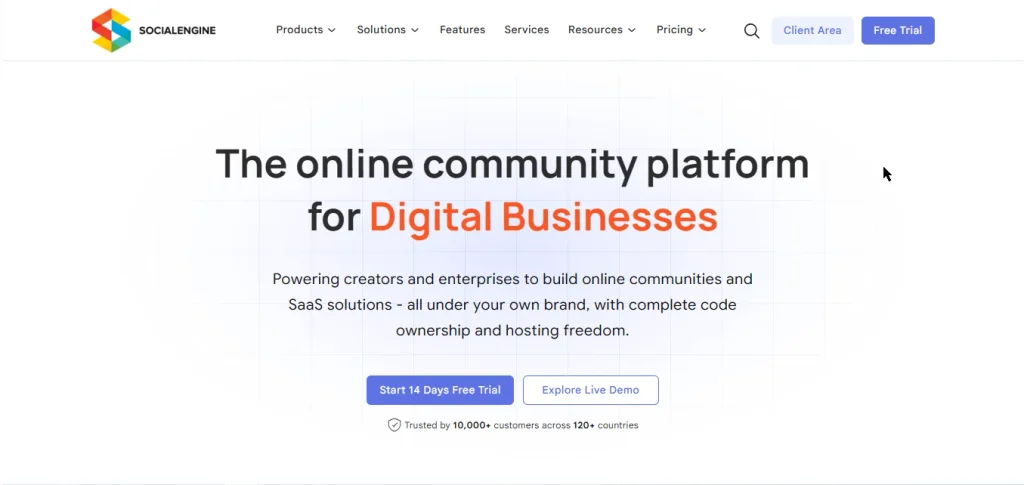
Best for: Businesses, creators, organizations, enterprises, professional networks, niche communities, and anyone who wants extensive control over their community.
SocialEngine is #1 choice for 2026 because it approaches community building as more than simply adding a forum or course area to a website.
It provides a foundation for creating a branded online community, social network, membership platform, professional network, or niche community.
SocialEngine’s current platform combines member management, activity feeds, messaging, groups, events, content, monetization, administration, mobile apps, AI capabilities, and extensions.
Why SocialEngine ranks #1
The biggest advantage is flexibility.
You can build a community around your specific business model instead of adapting your business to the limitations of a single community format.
Key features
- Customizable member profiles
- Activity feeds
- Posts, comments, and likes
- Groups and communities
- Forums and discussions
- Private messaging
- Real-time chat
- Events
- Courses
- Blogs
- Videos
- Listings
- Marketplace functionality
- Membership plans
- Subscriptions
- Advertising
- Notifications
- Member verification
- Privacy controls
- Moderation
- Email marketing
- AI-powered content creation
- AI image generation
- Branded mobile apps
- Theme and layout customization
- Plugin ecosystem
- REST API
- Self-hosted option
- Cloud option
SocialEngine’s feature set currently includes member management, community/social tools, content creation, moderation, privacy, monetization, administration, community structure, APIs, mobile responsiveness, and cloud storage support.
Best for
SocialEngine is particularly suitable if you’re building:
- A social network
- Professional network
- Membership community
- Creator community
- Enterprise community
- Local community
- Educational community
- Niche social network
- Customer community
- Association platform
- Business community
Cloud or self-hosted?
One of SocialEngine’s advantages is the choice between different deployment models.
SocialEngine Cloud currently offers plans ranging from a development tier through professional and enterprise options, while self-hosted options provide source-code access and greater control over infrastructure and customization.
Bottom line
Choose SocialEngine if you want to build a community around your own brand, business model, members, and long-term vision with extensive customization and control.
2. Circle Best for Creator-Led Communities
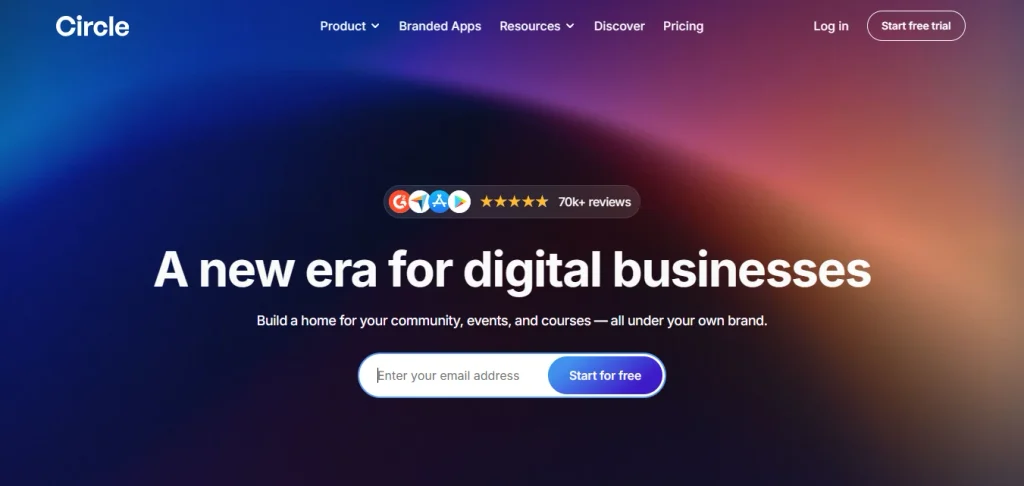
Best for: Creators, coaches, educators, and businesses building community-centered products.
Circle has become a popular platform for creators and community-led businesses.
Its strength is combining community discussions, content, courses, events, monetization, and member engagement within a relatively streamlined experience.
Key features
- Community spaces
- Discussions
- Courses
- Events
- Memberships
- Content
- Email tools
- Integrations
- Mobile experience
- Analytics
- Branding options
Best for
Circle is particularly attractive for creators and businesses that want a hosted community solution without managing infrastructure themselves.
Limitation
For organizations wanting deeper control over the underlying platform, extensive custom development, or a broader social-network architecture, you’ll want to compare Circle against more customizable platforms.
Bottom line
Choose Circle if your priority is launching a polished creator or community business quickly.
3. Mighty Networks Best for Network-Driven Communities
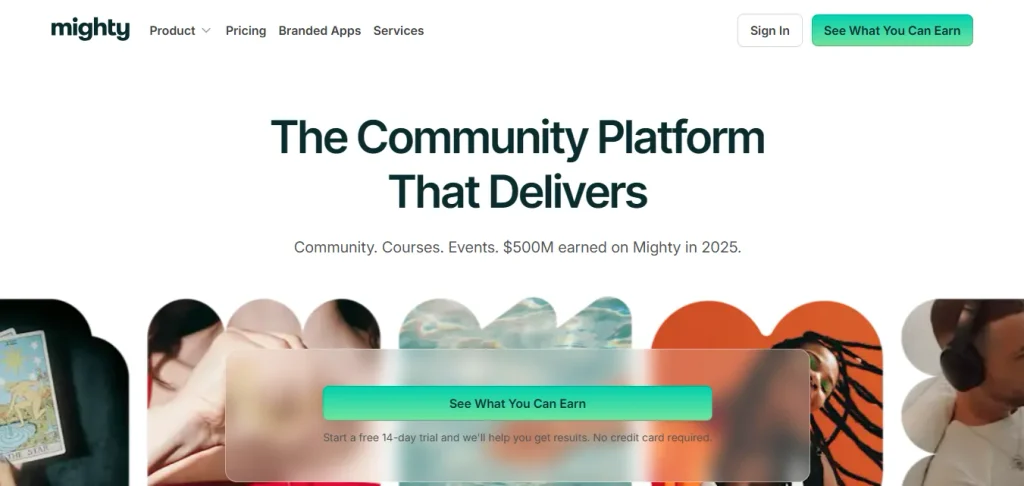
Best for: Creators, coaches, educators, and membership communities.
Mighty Networks focuses heavily on helping members connect with one another rather than simply consuming content.
Key features
- Community spaces
- Member profiles
- Discussions
- Courses
- Events
- Memberships
- Mobile apps
- Member networking
- Content sharing
Best for
It’s a strong option for communities where member-to-member relationships are central to the experience.
Limitation
If you need highly customized social-network architecture, extensive control over platform behavior, or a broader plugin-driven ecosystem, evaluate alternatives carefully.
Bottom line
Choose Mighty Networks when networking and community interaction are at the center of your business model.
4. Hivebrite Best for Associations and Alumni Communities
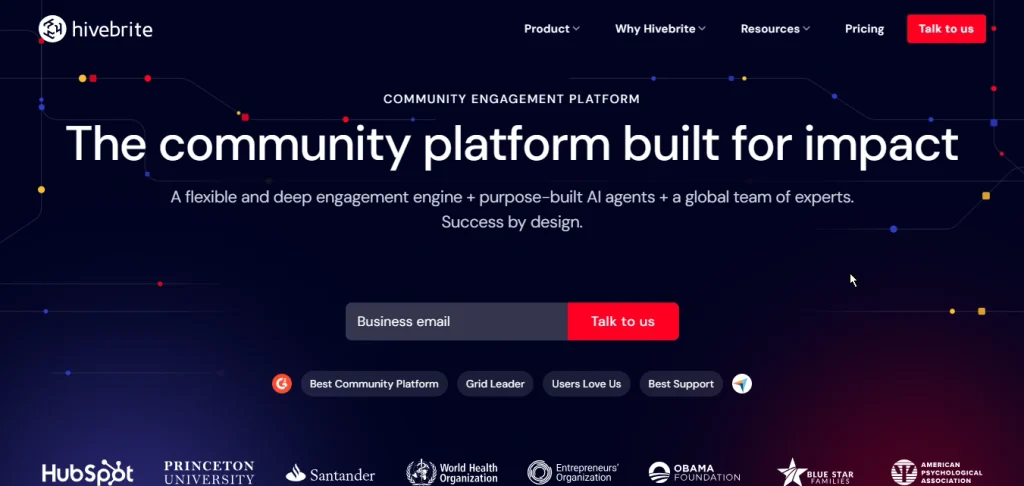
Best for: Universities, alumni organizations, nonprofits, professional associations, and institutional communities.
Hivebrite is designed around structured organizational communities.
Key features
- Member management
- Profiles
- Groups
- Events
- Discussions
- Directories
- Fundraising
- Networking
- Analytics
Best for
Organizations that need structured member management and association-style community experiences.
Limitation
It may be more platform than necessary for smaller creators or simple communities.
Bottom line
Choose Hivebrite if you’re building a structured institutional or association community.
5. Bettermode Best for Customer Communities
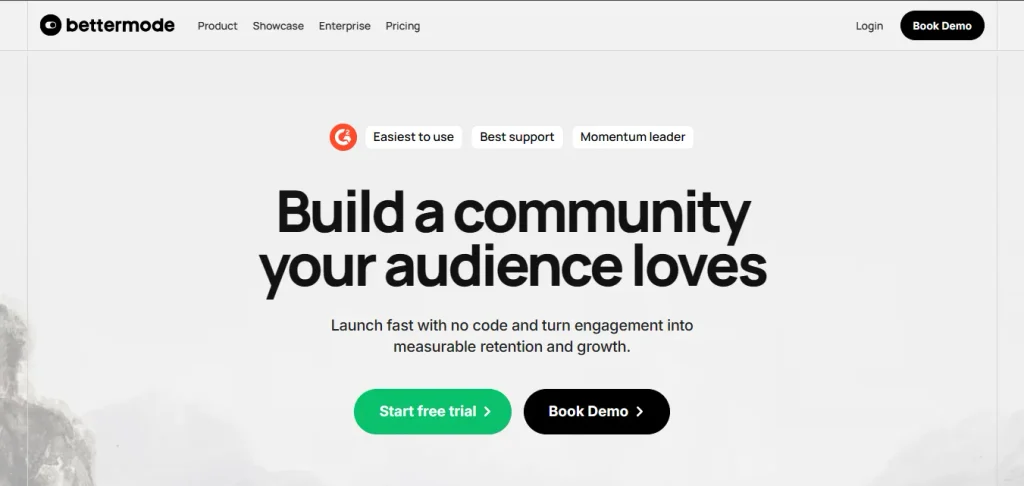
Best for: SaaS companies, technology companies, and brands building customer communities.
Bettermode focuses on communities that sit close to a product or customer experience.
Key features
- Discussions
- Q&A
- Knowledge sharing
- Customer feedback
- Community spaces
- Moderation
- Integrations
- Analytics
Best for
Businesses that want customers to ask questions, exchange ideas, provide feedback, and help one another.
Limitation
Its customer-community orientation makes it less suitable if your primary objective is building a broad social network with multiple community formats.
Bottom line
Choose Bettermode when your community is closely connected to your product or customer-support strategy.
6. Kajabi Best for Course-Based Businesses
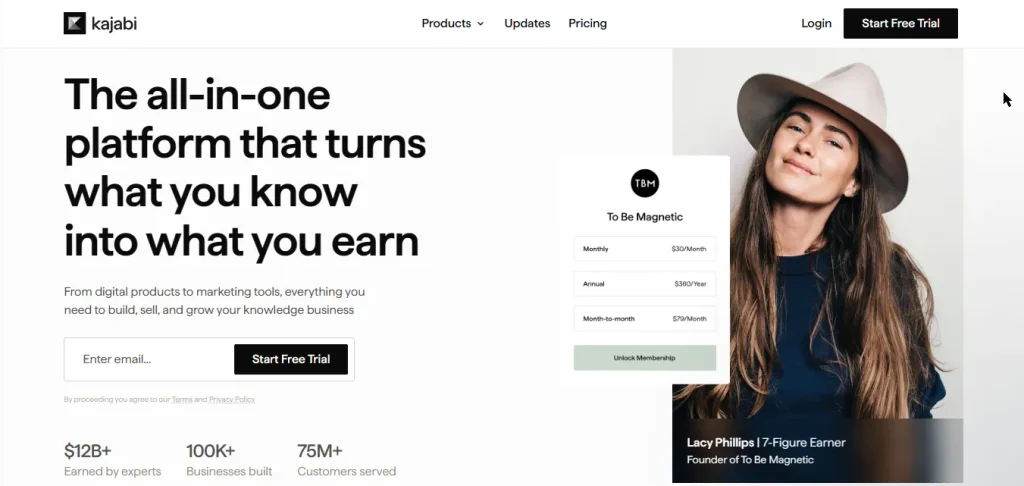
Best for: Coaches, educators, and digital-product businesses.
Kajabi combines courses, memberships, marketing, sales, and community functionality.
Key features
- Online courses
- Memberships
- Landing pages
- Email marketing
- Sales funnels
- Digital products
- Community features
- Payments
- Analytics
Best for
Businesses where education and digital products are the primary business model.
Limitation
If community interaction is the primary product rather than an extension of a course business, a dedicated community platform may provide a stronger experience.
Bottom line
Choose Kajabi when courses, marketing, and digital products come before social networking.
7. Skool Best for Simple Coaching Communities
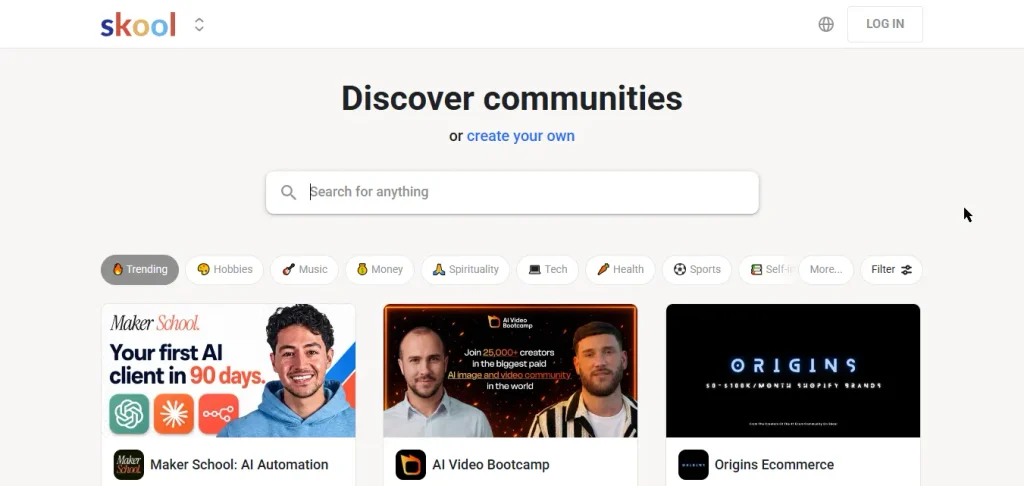
Best for: Coaches, educators, and creators who value simplicity.
Skool combines community discussions, courses, and gamification.
Key features
- Community discussions
- Courses
- Gamification
- Leaderboards
- Member profiles
- Simple administration
Best for
Creators who want to launch a community without managing a complex technology stack.
Limitation
Simplicity also means less flexibility.
If extensive branding, complex member structures, custom functionality, or broader social-network features are important, you may need a more flexible platform.
Bottom line
Choose Skool when simplicity and gamification matter more than extensive customization.
8. Discourse Best for Discussion-First Communities
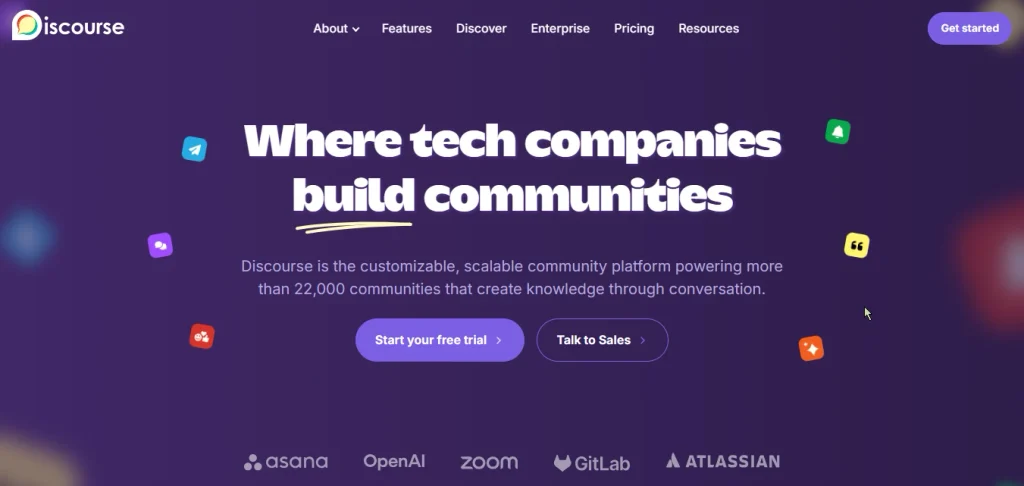
Best for: Technical communities, developer communities, support communities, and discussion-heavy organizations.
Discourse is one of the strongest options when structured discussions are the heart of the community.
Key features
- Forums
- Topics
- Replies
- Categories
- Moderation
- Search
- Trust levels
- Notifications
- Plugins
Best for
Communities where the primary activity is asking questions and having structured discussions.
Limitation
It isn’t designed as an all-purpose social networking platform in the same way as SocialEngine.
If you need profiles, social feeds, groups, events, marketplace functionality, subscriptions, and multiple content types within one social environment, compare the architecture carefully.
Bottom line
Choose Discourse if your community is primarily a forum.
9. Discord Best for Real-Time Communities
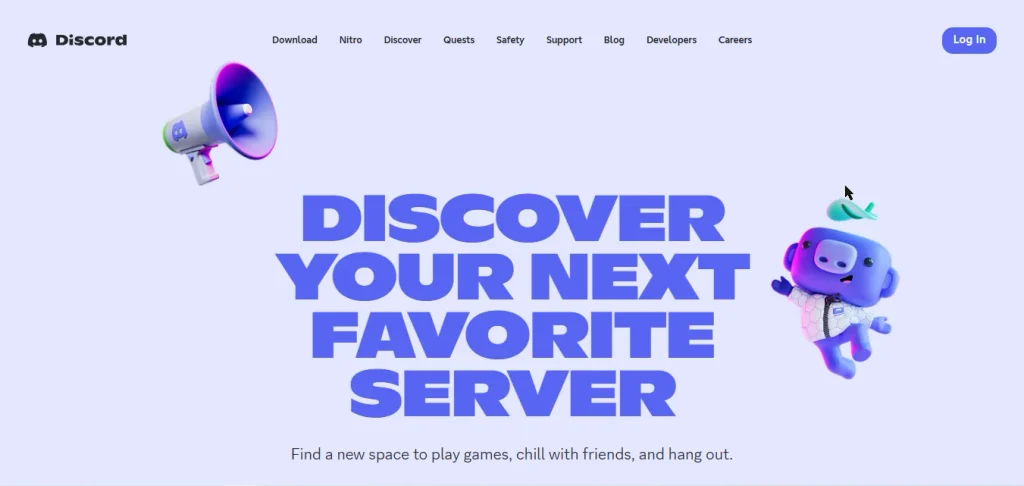
Best for: Gaming, technology, hobby, creator, and highly interactive communities.
Discord is built around real-time communication.
Key features
- Text channels
- Voice channels
- Video
- Direct messages
- Roles
- Community servers
- Bots
- Integrations
Best for
Communities that live in conversations and need fast, real-time interaction.
Limitation
Discord isn’t primarily designed as a fully branded, owned community website with extensive website customization and business-oriented content architecture.
Bottom line
Choose Discord when real-time communication is more important than building a fully customized community website.
10. Thinkific Best for Learning Communities
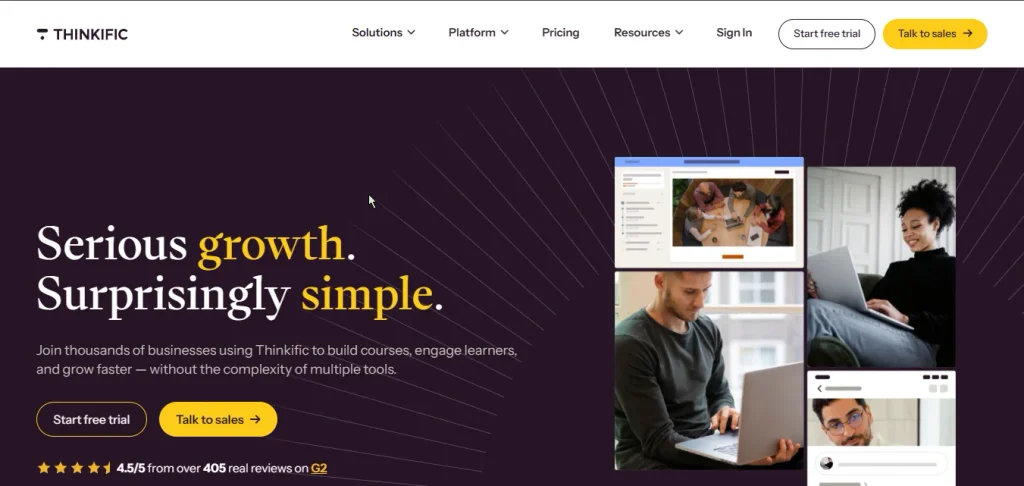
Best for: Course creators, educators, training companies, and professional learning organizations.
Thinkific is primarily known for online learning.
Key features
- Courses
- Lessons
- Assessments
- Learning management
- Memberships
- Payments
- Student management
- Community features
Best for
Organizations where structured education is the primary purpose of the community.
Limitation
If you want a social network where courses are only one component among profiles, groups, feeds, events, messaging, and other community functionality, consider a broader community platform.
Bottom line
Choose Thinkific when structured learning is your primary goal.
Quick Comparison of the 10 Best Community Platforms
| Platform | Best For | Customization | Social Features | Monetization | Courses | Events | Best Strength |
| SocialEngine | Custom communities | ⭐⭐⭐⭐⭐ | ⭐⭐⭐⭐⭐ | ⭐⭐⭐⭐⭐ | ✅ | ✅ | Flexibility & control |
| Circle | Creators | ⭐⭐⭐⭐ | ⭐⭐⭐⭐ | ⭐⭐⭐⭐⭐ | ✅ | ✅ | Creator communities |
| Mighty Networks | Network communities | ⭐⭐⭐⭐ | ⭐⭐⭐⭐⭐ | ⭐⭐⭐⭐ | ✅ | ✅ | Member networking |
| Hivebrite | Associations | ⭐⭐⭐⭐ | ⭐⭐⭐⭐ | ⭐⭐⭐ | Limited | ✅ | Institutional communities |
| Bettermode | Customer communities | ⭐⭐⭐⭐ | ⭐⭐⭐ | ⭐⭐⭐ | Limited | Limited | Product communities |
| Kajabi | Course businesses | ⭐⭐⭐ | ⭐⭐⭐ | ⭐⭐⭐⭐⭐ | ⭐⭐⭐⭐⭐ | ✅ | Courses & marketing |
| Skool | Coaching | ⭐⭐ | ⭐⭐⭐⭐ | ⭐⭐⭐ | ✅ | Limited | Simplicity |
| Discourse | Forums | ⭐⭐⭐⭐ | ⭐⭐⭐ | Limited | ❌ | Limited | Discussions |
| Discord | Real-time groups | ⭐⭐ | ⭐⭐⭐⭐⭐ | Limited | ❌ | Limited | Chat |
| Thinkific | Education | ⭐⭐⭐ | ⭐⭐⭐ | ⭐⭐⭐⭐ | ⭐⭐⭐⭐⭐ | Limited | Learning |
Feature ratings are comparative editorial assessments based on the intended use cases described in this guide, not third-party review scores.
Community Platform Pricing: What Should You Actually Compare?
Price alone shouldn’t determine your decision.
A platform that costs less initially can become expensive if you need multiple external services for:
- Email marketing
- Courses
- Payments
- Events
- Messaging
- Analytics
- Mobile apps
- Automation
- Member management
Instead, calculate your total community technology cost.
Consider:
Platform cost + add-ons + integrations + transaction fees + development + migration + maintenance
This is particularly important when comparing an all-in-one community platform against several disconnected tools.
SocialEngine currently offers cloud plans from $29/month for its Development tier, with higher tiers including additional resources and customization capabilities; enterprise configurations are available through its sales team.
Always verify current pricing directly with the vendor before making a purchasing decision.
Hosted vs. Self-Hosted Community Platforms
One of the biggest decisions is where your community will live.
Hosted Community Platform
The vendor manages much of the infrastructure.
Advantages
- Faster setup
- Less server management
- Easier maintenance
- Managed infrastructure
Potential limitations
- Less infrastructure control
- Vendor-dependent roadmap
- Potential limitations on customization
- Data/export considerations
Self-Hosted Community Platform
You control the hosting environment.
Advantages
- Greater control
- Source-code access where offered
- Deeper customization
- More control over data and infrastructure
- Greater ability to integrate custom systems
Potential limitations
- Server management
- Maintenance responsibilities
- Technical administration
SocialEngine supports both cloud and self-hosted approaches, making it possible to choose based on your technical requirements and desired level of control.
Why SocialEngine Rank #1
There are plenty of excellent community platforms.
But the best platform isn’t necessarily the one with the flashiest individual feature.
It’s the platform that gives you the right combination of flexibility, ownership, community functionality, customization, monetization, and scalability.
That’s why SocialEngine takes the #1 position in this comparison.
SocialEngine gives you:
- Community features: Profiles, feeds, groups, discussions, messaging, events, and more.
- Content: Blogs, videos, courses, listings, marketplace functionality, and other content types.
- Customization: Themes, layouts, pages, navigation, widgets, and extensions.
- Monetization: Memberships, subscriptions, paid content, advertising, marketplaces, and other revenue models.
- Administration: Member management, permissions, moderation, privacy, analytics, and system controls.
- Mobile: Branded iOS and Android community apps are part of the current SocialEngine offering.
- AI: SocialEngine currently includes AI capabilities for content and image creation and also offers custom AI solutions such as moderation and automation.
- Control: Self-hosted deployment provides source-code access, while the broader platform is designed around customization and extensibility.
How to Choose the Right Community Platform
Before you make a decision, answer these questions:
1. Who is your community for?
Creators? Customers? Professionals? Students? Employees? Fans? Hobbyists?
2. What will members actually do?
Discuss? Learn? Network? Buy? Sell? Attend events? Share content?
3. Is community the product or a supporting feature?
This distinction can completely change which platform is appropriate.
4. How much customization do you need?
If your community needs to look and behave like your brand, prioritize customization.
5. Do you need monetization?
If yes, identify whether you need memberships, subscriptions, courses, paid content, advertising, or transactions.
6. Who owns the platform?
Understand your options for data, content, branding, exports, hosting, and source code.
7. Will you need custom development?
If your roadmap includes unique functionality, APIs, plugins, or custom integrations, platform extensibility becomes important.
8. How large could the community become?
Choose technology that can support your long-term goals rather than only today’s member count.
How to Build a Successful Online Community
Choosing software is only one part of the equation.
Even the best platform cannot create a successful community without a clear strategy.
Start with a specific audience.
Then create a clear reason for people to join.
After that:
- Define your community purpose.
- Create your member structure.
- Choose your core features.
- Customize your brand.
- Publish initial content.
- Invite your first members.
- Encourage conversations.
- Host events.
- Recognize active members.
- Measure engagement and retention.
- Improve the member experience continuously.
For a deeper strategy, read Best Community Engagement Strategies That Actually Work in 2026.
You can also explore 5 Ways to Personalize the User Experience on Your Social Network to improve member experiences through personalization.
Final Verdict: Which Community Platform Should You Choose?
There is no single community platform that is perfect for every organization.
But there is a best platform for your particular use case.
If you want:
- A simple creator community → Circle
- A network-focused community → Mighty Networks
- An alumni or association platform → Hivebrite
- A customer community → Bettermode
- A course business → Kajabi
- A simple coaching community → Skool
- A discussion forum → Discourse
- A real-time community → Discord
- A learning-first platform → Thinkific
- A highly customizable social network and community platform → SocialEngine
Our #1 pick: SocialEngine
For businesses and organizations that want to build a community around their own brand, audience, business model, and long-term goals, SocialEngine offers one of the broadest combinations of social networking, community management, content, monetization, customization, mobile, and platform-control capabilities in this comparison.
Your community. Your brand. Your rules.
Frequently Asked Questions
For organizations that want extensive customization, social networking functionality, monetization, branding, and control, SocialEngine is our #1 choice for 2026.
Other platforms may be better for specific use cases, such as courses, forums, customer communities, or real-time chat.
Circle, Mighty Networks, and SocialEngine are strong options. The right choice depends on whether your priority is simplicity, networking, monetization, or deeper platform customization.
SocialEngine is particularly suited to building a complete social networking website because it combines profiles, feeds, groups, messaging, events, content, monetization, administration, and customization.
Discord and some other platforms offer free entry points, but free platforms often come with limitations around branding, ownership, customization, monetization, or infrastructure.
If you’re building a serious business community, evaluate the total cost and capabilities rather than selecting based only on the initial price.
A social network generally focuses on member-to-member social interaction, while a community platform can combine social interaction with content, courses, events, memberships, customer support, professional networking, or other structured experiences.
Modern platforms can overlap heavily between these categories.
Yes.
Depending on the platform, you can use:
– Paid memberships
– Subscriptions
– Premium content
– Courses
– Events
– Advertising
– Sponsorships
– Marketplace commissions
– Digital products
SocialEngine currently supports membership plans, subscriptions, advertising, payment integrations, marketplaces, and other monetization models.
Yes. White-label functionality allows businesses to create a community under their own brand rather than presenting it as a third-party service.
SocialEngine positions itself as a white-label community platform and supports branded community experiences and mobile apps.
Choose hosted if you prioritize convenience and managed infrastructure.
Choose self-hosted if you need deeper control over infrastructure, source code, customization, and data.
Migration depends on the platform you’re leaving and the platform you’re moving to.
Before selecting a new platform, determine what can be exported:
– Members
– Profiles
– Posts
– Discussions
– Media
– Courses
– Payments
– Groups
– Events
Always create a migration plan before switching platforms.