To submit a support ticket, you must be logged in to your client dashboard. Once logged in, you can submit a ticket from either of these areas
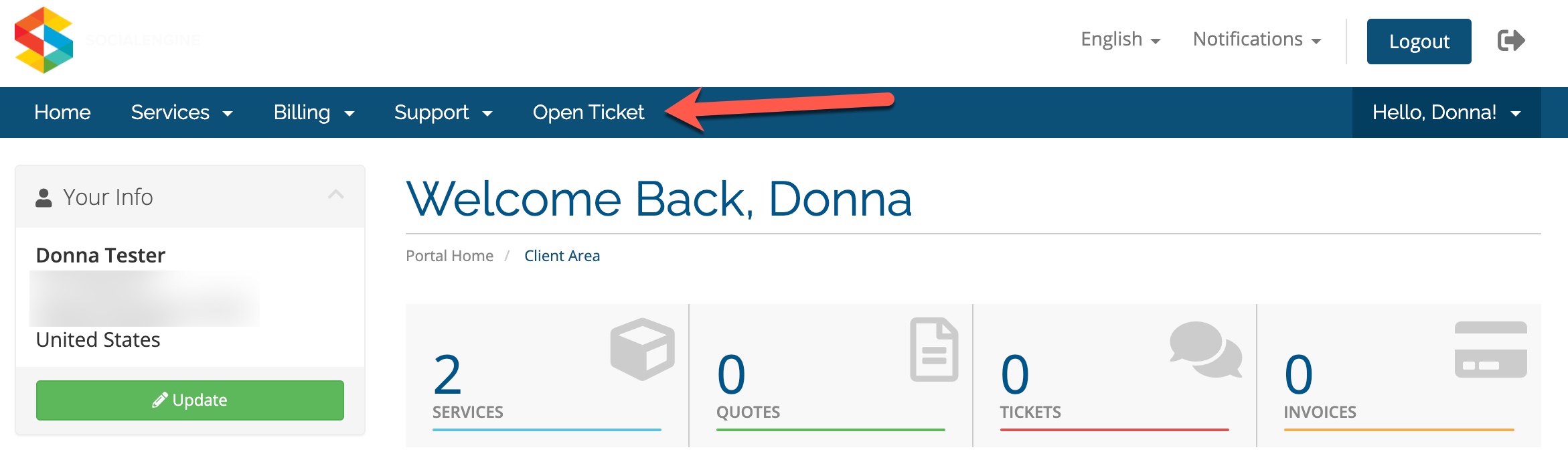
- Click to Open Ticket in the main nav bar:
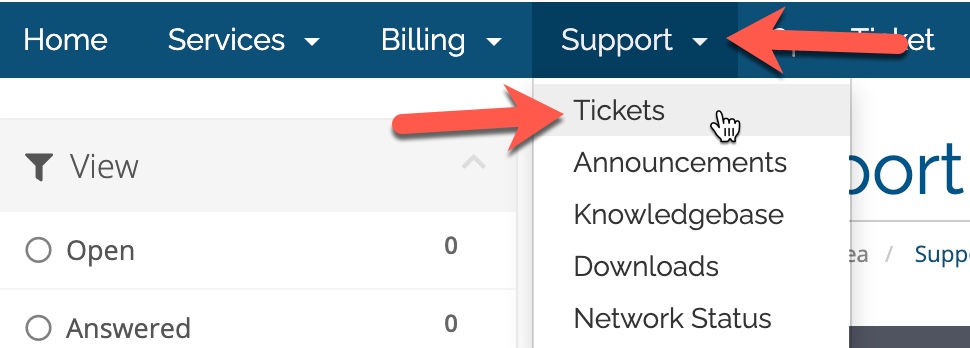
- Choose the Support menu and then select Tickets.
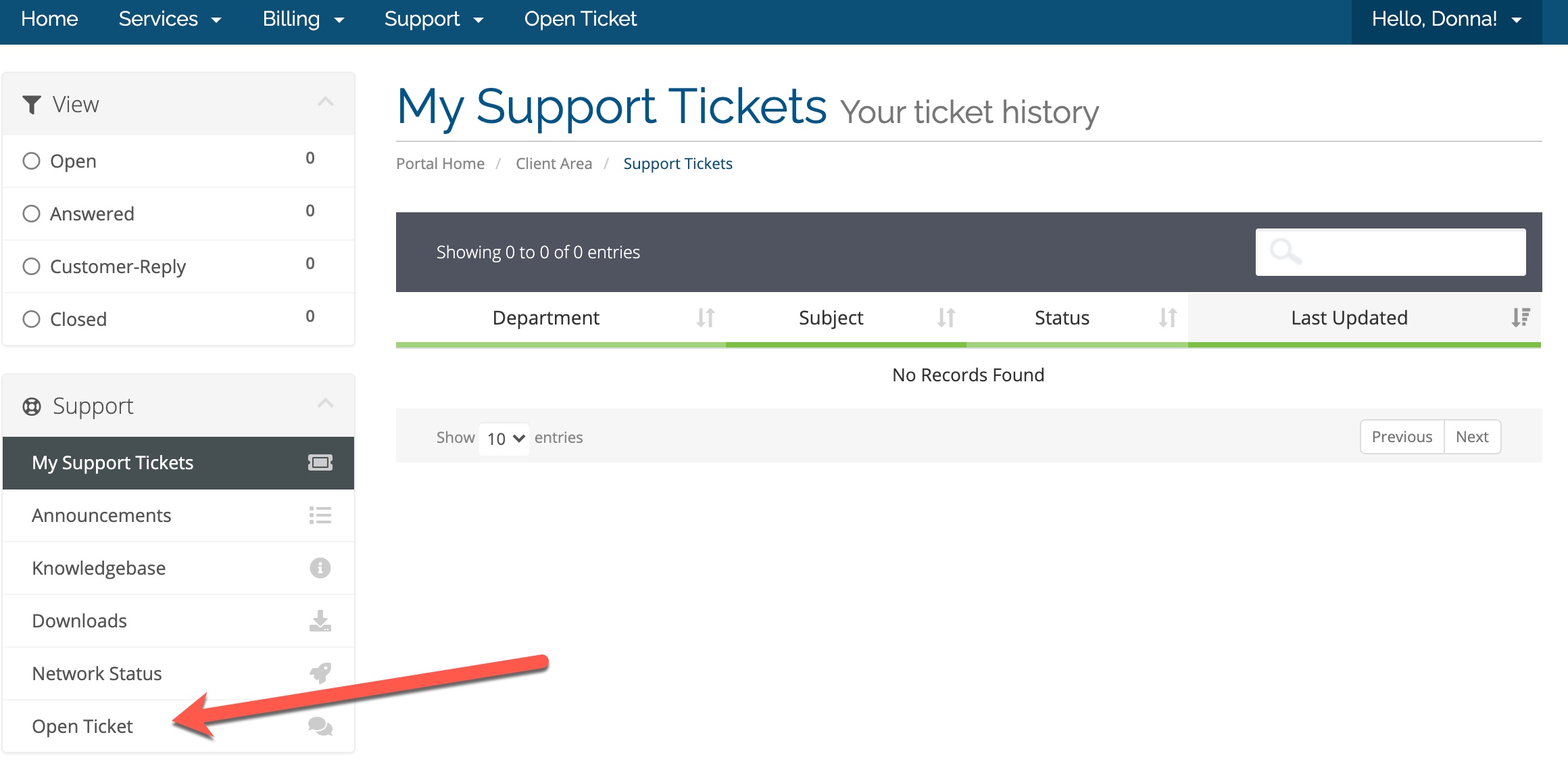
- This will open to show any tickets you've sent. You can either open a ticket to respond to it, or on the left you can open a new ticket by clicking "Open Ticket."